

If you’ve ever noticed the phrase Sent as a Text Message Meaning appearing under your iPhone or Android messages, you’re definitely not alone. Millions of users get confused when their message suddenly changes from a blue iMessage bubble to a green SMS bubble without warning.
Usually, this happens when:
- iMessage fails temporarily
- Wi-Fi disconnects
- Mobile data becomes weak
- You text an Android user
- Apple servers have issues
- Your recipient is offline
You can also read: What does YHU Mean in Texts: 7 Surprising Uses From Girls, Guys, Snapchat & Instagram
Many people instantly panic and think:
- “Am I blocked?”
- “Did my message fail?”
- “Did it even deliver?”
The good news is that Sent as a Text Message Meaning is usually simple and harmless. In most situations, it only means your phone switched from internet messaging to regular SMS texting.
This guide explains:
- Sent as a Text Message Meaning
- Why do your messages turn green
- iPhone vs Android differences
- Whether it means you’re blocked
- Real chat examples
- Platform differences
- FAQs and troubleshooting tips
When sending messages on your phone, you may suddenly notice the phrase Sent as a Text Message Meaning appearing below your text bubble. This commonly happens on iPhones but can also appear on Android devices using RCS messaging.
The phrase simply means your message was delivered through:
- SMS (Short Message Service)
instead of: - iMessage
- RCS
- Wi-Fi messaging
This often happens because:
- Internet connection failed
- iMessage servers were unavailable
- The recipient isn’t using iMessage
- Your phone automatically switched to SMS
Understanding Sent as a Text Message Meaning helps remove unnecessary confusion and panic.
What Does “Sent as a Text Message” Mean?
The basic Sent as a Text Message Meaning is:
Your message was sent using SMS instead of internet-based messaging.
SMS uses your mobile carrier network instead of Wi-Fi or mobile data messaging systems.
Common Reasons:
- No internet connection
- Weak Wi-Fi signal
- iMessage temporarily unavailable
- The recipient uses Android
- Apple server problems
- Phone switched from Wi-Fi to cellular
Example:
You: “Where are you?”
(Status: Sent as a Text Message)
This means the phone used SMS delivery instead of iMessage.
Sent as a Text message on iPhone
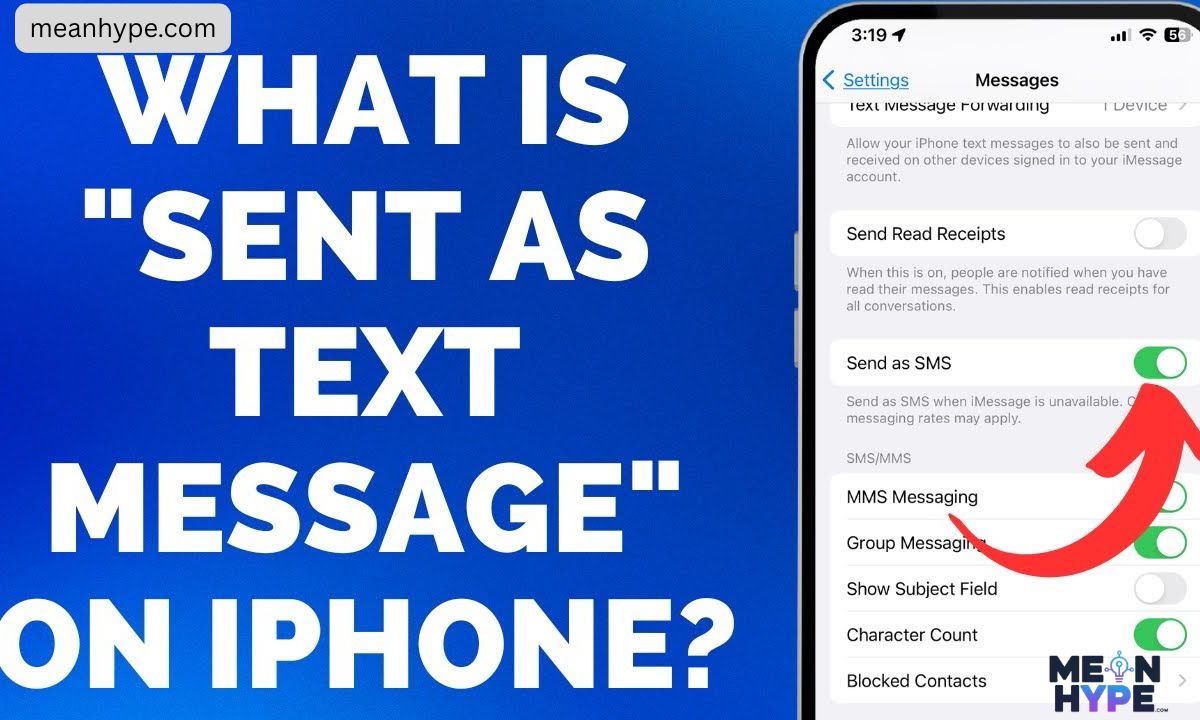
On iPhones:
- Blue bubbles = iMessage
- Green bubbles = SMS/Text Message
If you suddenly see green messages, the Sent as a Text Message Meaning usually indicates your iPhone couldn’t send through iMessage.
Important:
It does NOT automatically mean you’re blocked.
Most of the time it simply means:
- poor internet
- recipient offline
- iMessage disabled
- temporary network issues
Sent as a Text message on Android
Android phones normally use:
- SMS
- MMS
- RCS messaging
If RCS fails, Android devices may automatically switch to standard SMS.
So on Android, Sent as a Text Message Meaning often means:
- fallback from RCS
- carrier network delivery
- internet messaging unavailable
Unlike iPhone users, Android users are more familiar with SMS fallback.
Sent as a Text Message, iMessage vs SMS
Many users confuse SMS with iMessage.
iMessage
- Apple-only
- internet-based
- encrypted
- blue bubbles
SMS/Text Message
- works on all phones
- uses cellular carrier
- green bubbles
- not encrypted
If iMessage fails, Apple automatically switches to SMS, creating the Sent as a Text Message Meaning notification.
Did It Go Through?
One of the biggest questions people ask about Sent as a Text Message Meaning is whether the message was actually delivered.
On iPhone:
- A green bubble usually means sent successfully
- You may not see “Delivered.”
- SMS read receipts often don’t exist
On Android:
- Delivery depends on the carrier settings
- Some phones show “Delivered.”
- Others only show “Sent.”
In most cases, the message still goes through normally.
Reddit Insights
Many Reddit discussions explain that Sent as a Text Message Meaning is usually caused by:
- network problems
- weak Wi-Fi
- iMessage outages
- switching devices
Reddit users commonly mention:
- blue bubbles turning green temporarily
- messages reverting later
- SMS is working when iMessage fails
Most users agree:
“Sent as a Text Message” usually does NOT mean blocking.
iMessage is Green and says “Sent as Text Message”
If your iMessage suddenly turns green:
- Your message was sent as SMS
- Internet messaging failed
- The recipient may be offline
- The recipient may use Android
- iMessage may be disabled
This is one of the most searched forms of Sent as a Text Message Meaning online.
Does “Sent as SMS” Mean Blocked on Android?
No.
On Android, SMS delivery alone does not confirm blocking.
Possible causes:
- internet problems
- RCS unavailable
- carrier fallback
- recipient offline
If the SMS sends successfully, it usually means your carrier delivered the message.
Quick Summary Table
| Device / Platform | Sent as a Text Message Meaning |
| iPhone | SMS fallback from iMessage |
| Android | RCS fallback to SMS |
| Green Bubble | Standard SMS message |
| Blue Bubble | Internet-based iMessage |
| Blocked? | Not necessarily |
| Weak Internet | Common cause |
What Is “Sent as a Text Message”? (Primary Meaning)
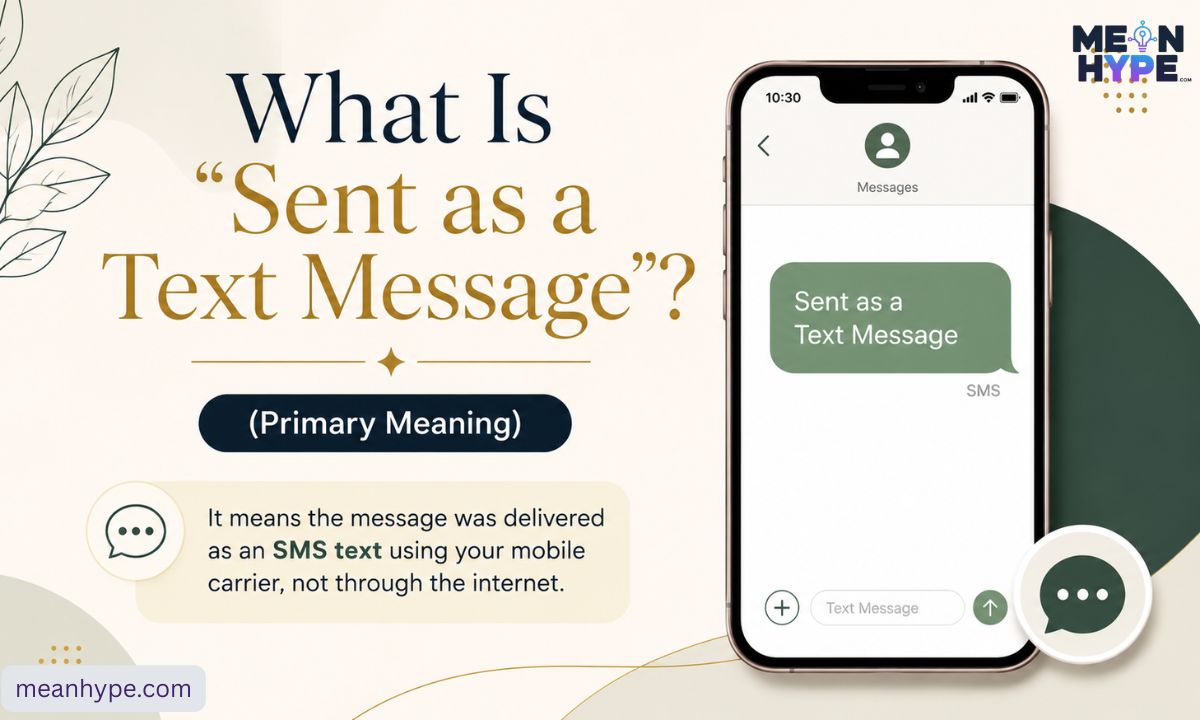
The primary Sent as a Text Message Meaning is:
Your phone sent the message through SMS instead of internet messaging.
This usually happens automatically when:
- iMessage fails
- internet disconnectsTheThe
- recipient isn’t online
- Wi-Fi becomes unstable
It’s mainly a system-generated delivery status.
Three Chat-Style Examples
Example 1
You: Where are you?
(Status: Sent as a Text Message)
Example 2
You: Did you reach home safely?
(Sent as a Text Message)
Example 3
You: Call me when you’re free.
(Sent as a Text Message)
These examples show the practical Sent as a Text Message Meaning in real conversations.
Why This Meaning? Tone & Emotion
Although it’s technical, Sent as a Text Message Meaning can sometimes create emotional reactions.
Neutral Meaning
Usually just a delivery method notification.
Slightly Urgent Feeling
SMS often appears when internet delivery fails.
Practical Purpose
Your phone chooses the fastest available method.
Most of the time, there’s no emotional meaning behind it.
Other Meanings of “Sent as a Text Message”
Depending on context, Sent as a Text Message Meaning can imply different situations.
1. iMessage → SMS Fallback
When internet messaging fails.
Example:
“My iMessage failed, so it sent as a text message.”
2. iPhone to Android Messaging
Apple devices always use SMS for Android users.
Example:
“My texts always send green because he has a Samsung.”
3. Recipient Disabled iMessage
If someone switches devices or disables iMessage.
Example:
“She turned off iMessage recently.”
4. Recipient Offline
If someone loses internet access.
Example:
“He was offline, so my message became SMS.”
5. Apple Server Problems
Temporary outages can trigger SMS fallback.
Example:
“Apple servers are down today.”
6. Business Communication
Many businesses prefer SMS delivery.
Example:
“Your OTP was sent as a text message.”
When to Use It & When to Avoid It
When It Makes Sense
Use SMS when:
- The internet is weak
- urgent messaging matters
- messaging Android users
- Wi-Fi is unstable
When to Avoid SMS
Avoid it when:
- sending sensitive information
- requiring encryption
- texting internationally
- needing read receipts
✔️ / ❌ Usage Table
| Context | ✔️ / ❌ | Notes |
| Weak Wi-Fi | ✔️ | SMS works faster |
| Android messaging | ✔️ | Common fallback |
| Urgent messages | ✔️ | Reliable delivery |
| Private information | ❌ | SMS not encrypted |
| International texting | ❌ | Extra charges possible |
| Secure conversations | ❌ | Use encrypted apps |
4 Usage Tips
1. Understand Platform Differences
iPhone and Android handle messaging differently.
2. Don’t Panic About Green Bubbles
Green doesn’t always mean blocking.
3. Avoid Sensitive Information
SMS security is weaker than iMessage.
4. Check Internet First
Most SMS fallbacks happen because of weak connectivity.
Real Conversation Examples
Friend Chat
A: My messages turned green.
B: Your Wi-Fi probably disconnected.
Social Media Conversation
User: Why did my message send as SMS?
Friend: My phone lost internet earlier.
Marketplace Chat
Buyer: I didn’t get your message.
Seller: It says sent as a text message.
Workplace Example
Employee: I’ll text the verification code.
Manager: SMS works faster here.
E-commerce Alert
“Tracking code sent as a text message.”
Related Slang
Here are related messaging terms connected to Sent as a Text Message Meaning:
- SMS — Standard text messaging
- MMS — Multimedia text message
- Delivered — Message reached device
- Read — The recipient opened the message
- RCS — Advanced Android messaging
- iMessage — Apple messaging system
- Green Bubble — SMS message
These are common parts of mobile messaging systems and internet communication.
Platform Differences
Instagram / WhatsApp
These apps do not use SMS status messages.
They show:
- Sent
- Delivered
- Read
TikTok
TikTok DMs never display “Sent as a Text Message.”
Facebook / Marketplace
Facebook Messenger mainly uses internet messaging.
E-commerce Platforms
Businesses commonly send:
- OTP codes
- delivery alerts
- account notifications
through SMS.
Workplace Apps
Slack, Teams, and Zoom mainly use internet messaging, not SMS.
FAQs
1. Does “Sent as a Text Message” mean I’m blocked?
Usually no. Network issues are far more common.
2. Why are my messages green?
Green bubbles indicate SMS delivery.
3. Why does it happen randomly?
Your internet has probably disconnected temporarily.
4: Why did my iMessage turn green?
Green bubbles indicate SMS instead of iMessage.
5: Can Android users know if they are blocked?
Not clearly. SMS does not give direct blocking notifications.
Conclusion
Understanding Sent as a Text Message Meaning removes a lot of unnecessary confusion and anxiety. In most situations, the notification simply means your phone switched from internet messaging to standard SMS so your message could still be delivered successfully.
Now you know:
- Why do messages turn green
- Why iMessage fails
- How SMS fallback works
- when it matters
- when it doesn’t
The next time you see “Sent as a Text Message,” you’ll immediately understand exactly what’s happening behind the scenes.

Ston is the founder and author of MeanHype, a website dedicated to explaining meanings, definitions, slang terms, phrases, abbreviations, and modern internet language in a simple and easy-to-understand way. With a passion for language and digital culture, Ston creates helpful content that makes complex or trending terms clear for readers around the world.